

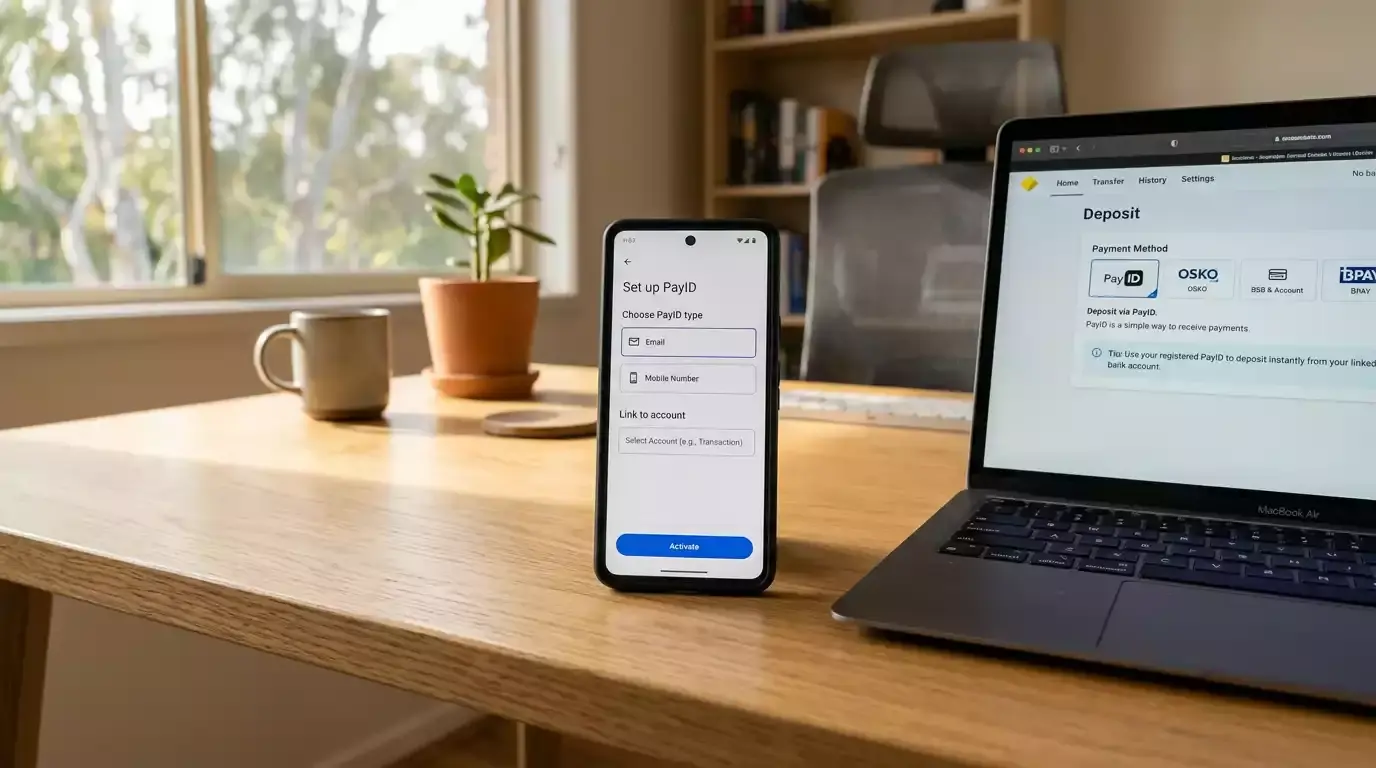
PayID’s share of all Australian payments grew from 12 per cent at the beginning of 2021 to nearly 20 per cent by October 2022, and CommBank — as the country’s largest retail bank — processes a substantial portion of that volume. If you bank with CBA and want to use PayID at an online casino, the setup is straightforward, but the bank’s policies on gambling transactions and transfer limits are worth understanding before your first deposit.
Setting Up PayID in the CommBank App for Casino Use
Open the CommBank app and navigate to your transaction account. Tap “Manage” from the bottom menu, then select “PayID.” Choose “Create PayID” and pick your identifier — mobile phone number or email address. CommBank sends a verification code to the chosen identifier. Enter it, confirm the display name you want recipients to see, and your PayID is active.

Anna Bligh, then CEO of the Australian Banking Association, noted the rapid growth in PayID adoption across the banking sector. CommBank’s implementation is among the most polished — the feature is clearly labelled in the app, the verification process is quick, and the PayID management screen lets you update or deregister your identifier without contacting support.
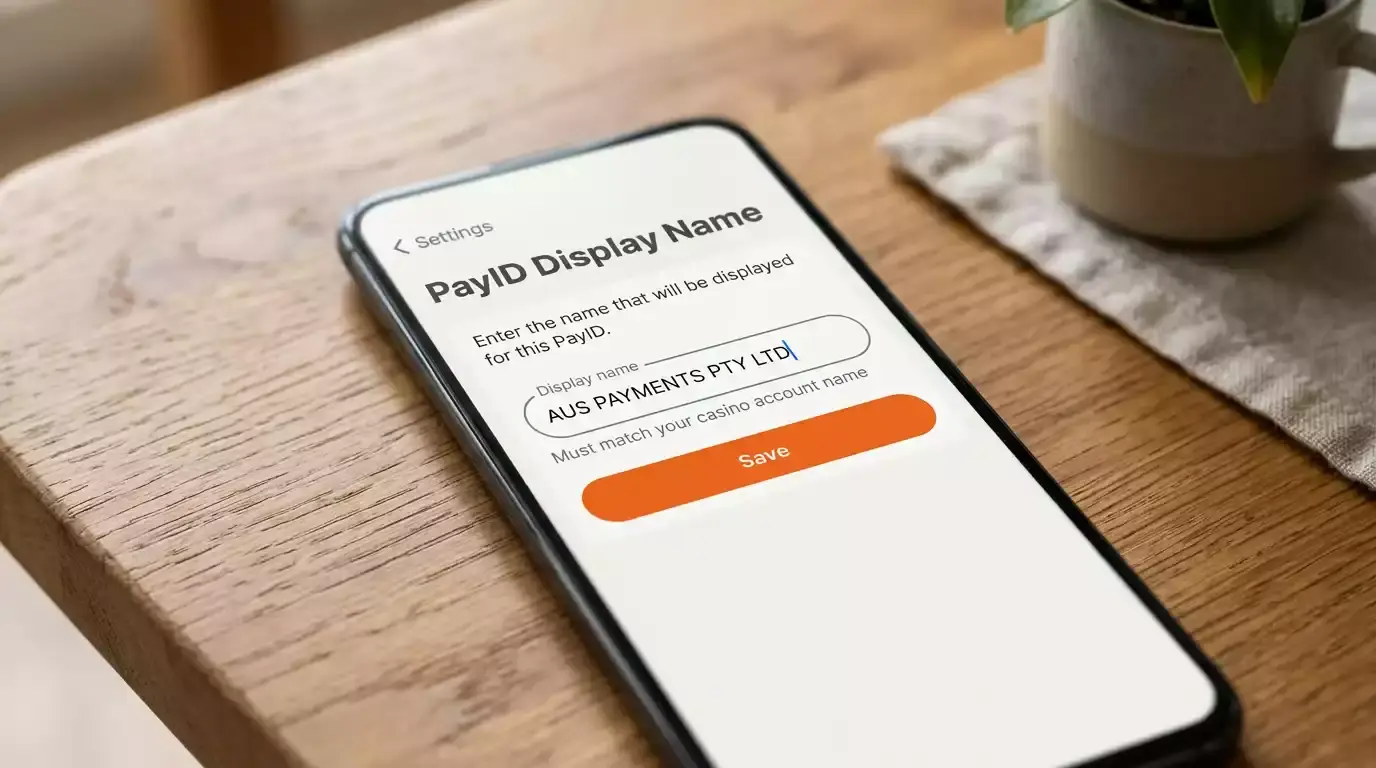
The display name you set during registration is the name that appears on the confirmation screen when a casino or any other recipient looks up your PayID. For casino deposits, this name must match the name on your casino account and your identity documents. Use your full legal name — not a nickname or abbreviation — to avoid KYC mismatches during withdrawal verification.
CommBank supports over 110 banks and credit unions through the NPP network, meaning your PayID payment from CommBank reaches any NPP-connected casino operator in real time. The full banking support guide covers other institutions for comparison.
CommBank’s Policies on Gambling Transactions
CommBank’s approach to gambling transactions has evolved alongside regulatory changes. The bank processes PayID transfers to gambling operators, but it has implemented several features relevant to players. CommBank offers optional gambling blocks through its app — a setting that prevents transactions to known gambling merchants. This block is opt-in and can be enabled or disabled by the customer.
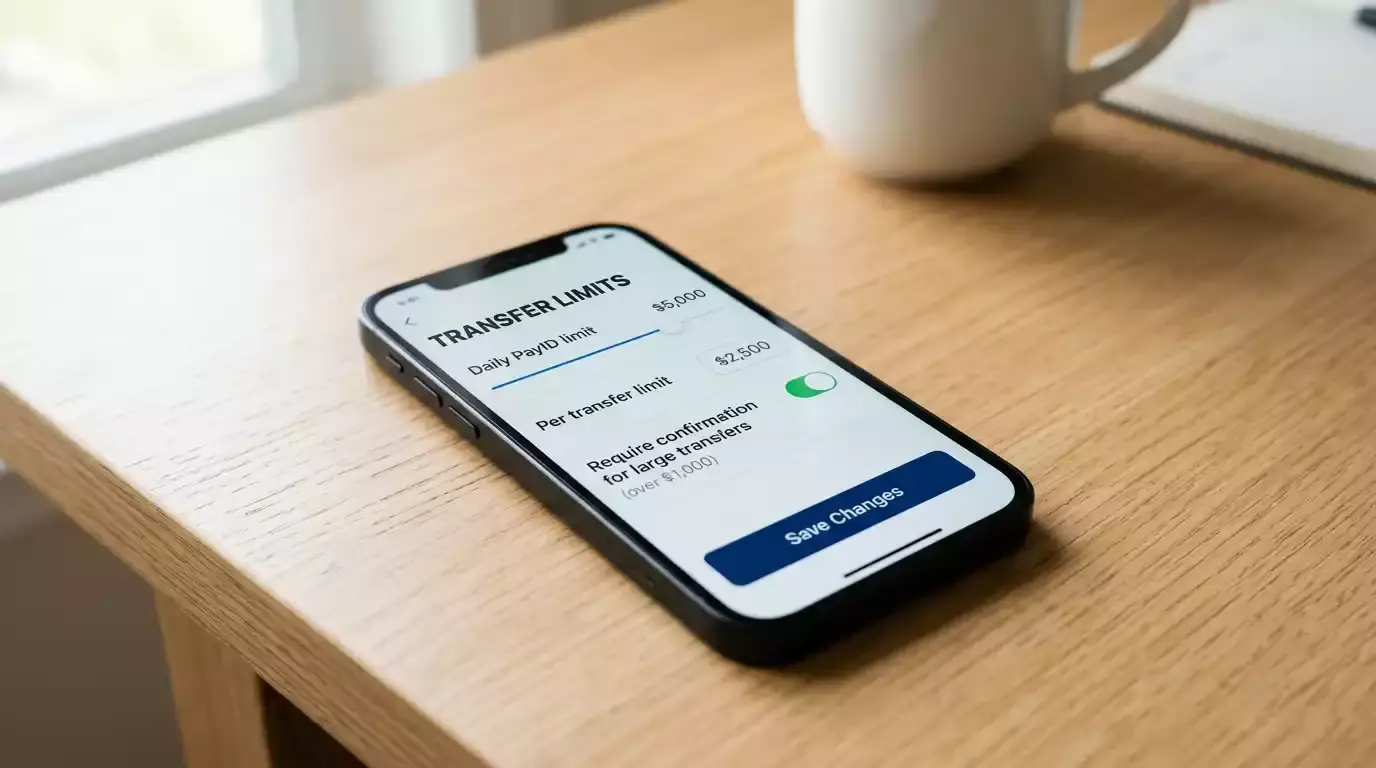
Daily transfer limits for PayID payments vary by account type and customer history. Standard everyday accounts typically have a default daily limit that can be adjusted through the app. For large deposits, you may need to increase your daily transfer limit in advance — a change that usually takes effect within 24 hours for security reasons. Attempting to deposit more than your daily limit results in a declined transaction at the banking level, before it reaches the casino.
CommBank’s transaction categorisation also tags gambling-related payments in your spending insights. This means your gambling deposits appear as a separate category in the app’s spending summary, giving you automatic visibility into how much you are spending at casinos relative to other expenses. This feature operates passively — you do not need to enable it — and provides the kind of spending awareness that supports responsible bankroll management.
One practical consideration: if your CommBank account has low available funds at the time of a PayID deposit, the transaction will simply fail. PayID does not offer overdraft or credit functionality — the funds must be available in your linked transaction account at the moment you authorise the payment.