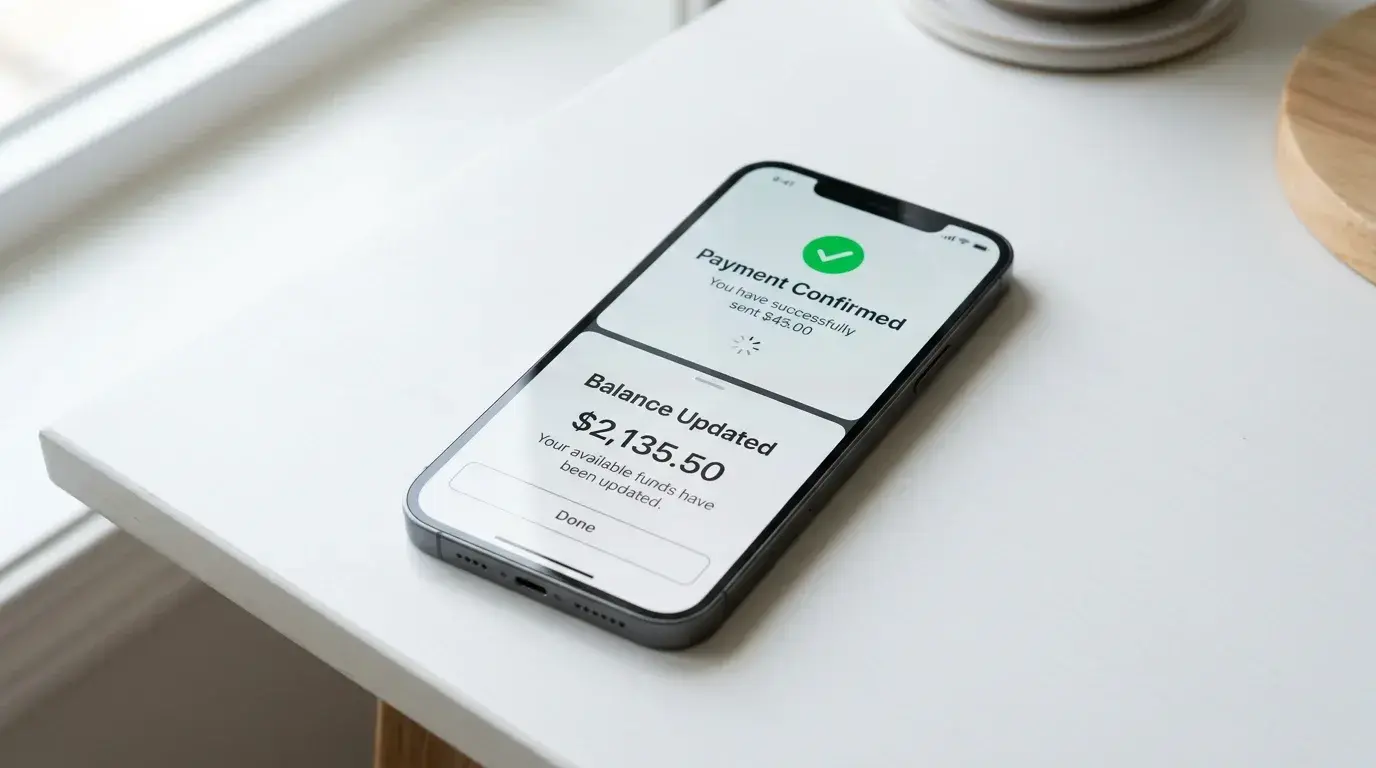

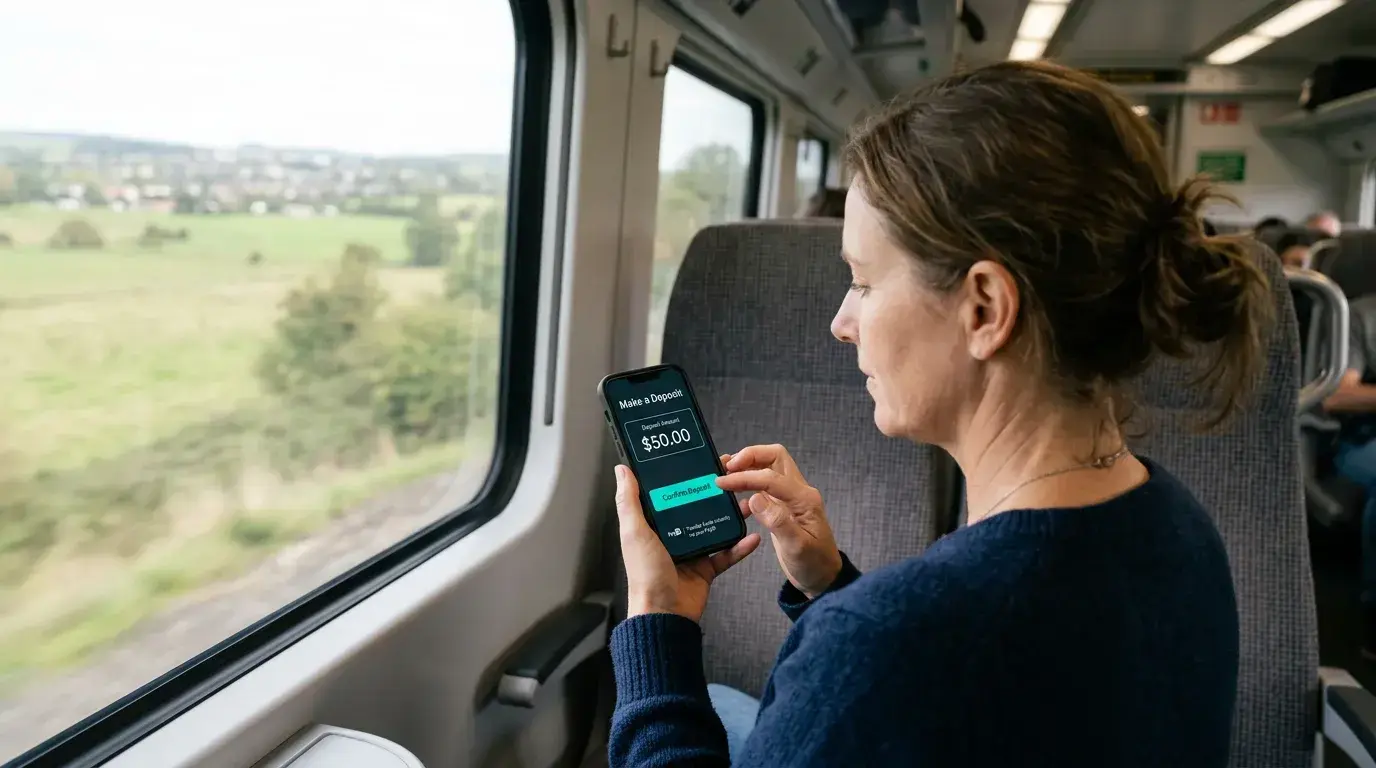
For the first time in 2022, more than one in ten Australians — 11% of the adult population — participated in online gambling within a six-month window, up from 8% in 2020. I have watched this number climb from the payment-processing side, and the single biggest driver is not better games or bigger bonuses — it is the phone in your pocket. Mobile devices now account for the majority of online casino sessions in Australia, and the intersection of PayID with mobile gambling has created a deposit experience that is genuinely frictionless.
I spend a lot of my working hours testing payment flows on mobile. The difference between a well-implemented PayID deposit on a phone and a card-based one is like the difference between tapping your transit card and buying a paper ticket at the counter. One is built for the device, the other is a desktop process crammed onto a smaller screen. This guide covers how PayID deposits actually work on mobile, whether you should use a native app or a browser, and the practical details that shape your experience.
How PayID Deposits Work on Mobile
Last year I timed PayID deposits on mobile across eight different operators. The fastest took 47 seconds from tapping “Deposit” to seeing the balance update. The slowest took just over three minutes, mostly because the operator’s cashier page loaded slowly on 4G. The PayID component itself — entering the identifier, confirming the recipient name, authorising through the banking app — was consistently under 90 seconds.
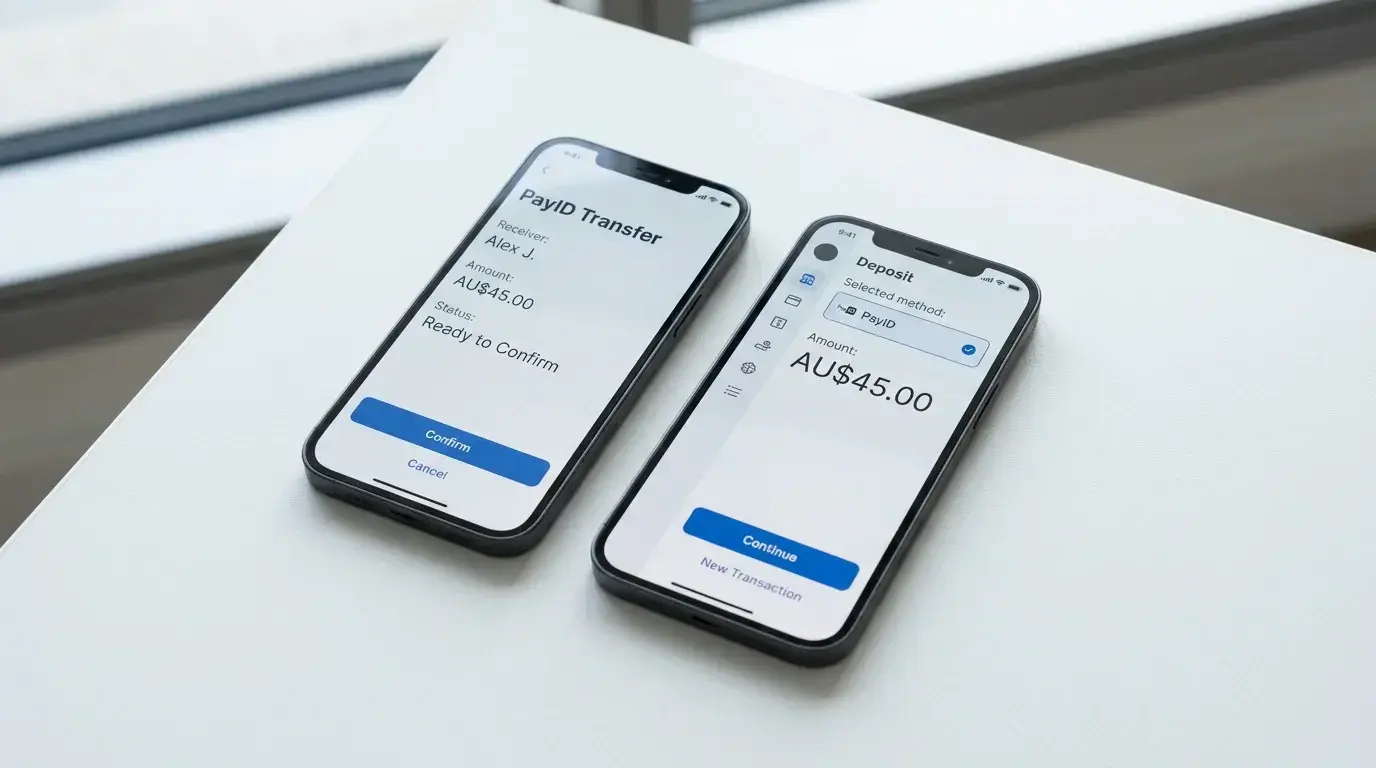
Here is what the flow looks like in practice. You open the casino in your mobile browser or app, navigate to the cashier or deposit section, and select PayID or bank transfer as your method. The operator displays their PayID details — usually an email address or phone number registered to their payment processor. You then switch to your banking app (CommBank, NAB, ANZ, Westpac, or any of the 110+ institutions connected to the NPP), enter the operator’s PayID, confirm the recipient name on the confirmation screen, enter the deposit amount, and authorise. The funds move through the New Payments Platform in real time and arrive in your casino balance within seconds.
The critical step is the confirmation screen. Before you send a cent, your banking app shows you the registered name attached to the PayID you entered. If it does not match the operator you intended to pay, you stop. That verification layer works identically on mobile as it does on desktop — it is built into the NPP infrastructure, not the casino’s software. PayID usage has grown to represent roughly 20% of all payments made through the system, and that adoption rate reflects how comfortable Australians have become with the flow on their phones.
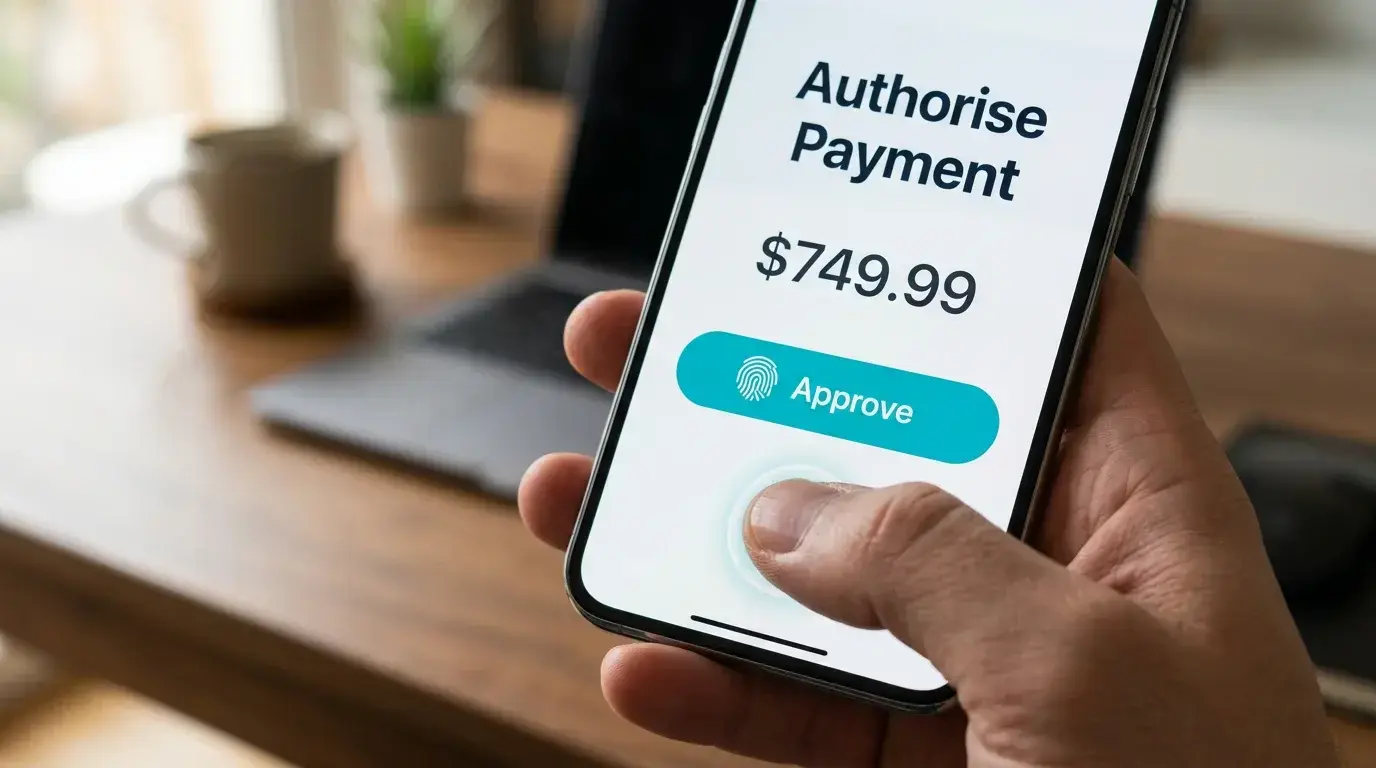
One mobile-specific consideration: some banking apps require biometric authentication (Face ID, fingerprint) for each transaction. This adds a second or two but also means nobody can make a PayID deposit from your phone without your face or fingerprint. Compare that with saved card details in a browser, which can sometimes be autofilled without re-authentication, and PayID’s mobile security profile is notably stronger.
If you are new to PayID deposits altogether, the step-by-step setup guide walks through the process from account creation onward, including bank-specific instructions for the Big Four.
Casino App vs Mobile Browser: What Changes for PayID?
This is a question I get asked constantly, and the honest answer is: less than you would think. The PayID deposit process is identical regardless of whether you access the casino through a native app downloaded to your device or through Safari or Chrome. The payment itself always happens in your banking app, not inside the casino’s interface. The casino simply displays their PayID and tells you how much to send. You do the rest in your bank’s app and switch back.
That said, there are practical differences worth understanding. Native casino apps — when they exist — tend to load faster, handle session persistence better (you stay logged in), and send push notifications about deposit confirmations and withdrawal completions. The deposit confirmation loop is tighter: you tap deposit, the app opens a deep link to your banking app (on some platforms), you authorise, and you are bounced back to the casino app with your balance updated.

Mobile browser sessions, on the other hand, occasionally suffer from tab management issues. You switch from the casino tab to your banking app to make the PayID transfer, and when you switch back, the browser has refreshed the page or logged you out. This is a device-level memory management problem, not a casino problem, and it is more common on older phones with limited RAM. The workaround is simple: before switching to your banking app, note your casino username and be prepared to log back in.
The availability of native apps is limited in Australia’s market. Most offshore operators that accept PayID do not list their apps on the Apple App Store or Google Play, because both platforms have policies restricting real-money gambling apps in certain jurisdictions. Instead, many operators offer Progressive Web Apps — essentially bookmarkable browser shortcuts that behave like apps, with home screen icons and full-screen display. PWAs handle PayID deposits exactly like a browser session, because that is what they are underneath the visual wrapper.
From a payment-processing perspective, my recommendation is straightforward. Use whichever access method the operator’s interface works best on for your specific device. Test both — open the casino in your browser and through any app or PWA they offer — and compare load times, navigation, and whether the deposit flow returns you to the right screen after you complete the PayID transfer. The payment infrastructure is the same either way. The difference is entirely in the user interface surrounding it.
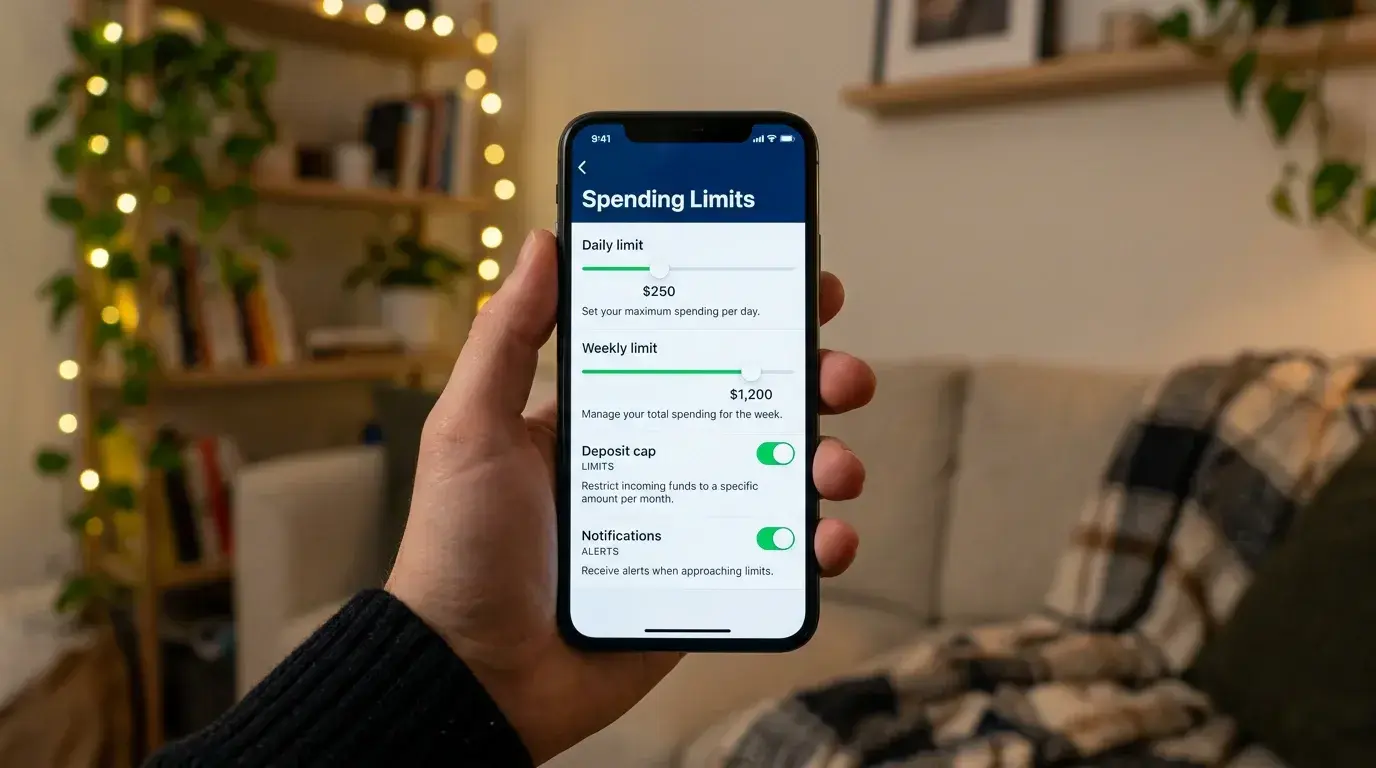
One thing that does change on mobile is deposit limit management. Some operators display their responsible gambling tools differently on mobile — deposit limit settings may be buried deeper in the menu structure. Before your first mobile deposit, find where those controls live and set your limits. It is easier to configure them before a session than to search for them mid-session when you are considering another top-up.
About a third of Australians used PayID for personal transfers by 2023, and that familiarity translates directly to the mobile casino experience. The interface is the same banking app you use to split a dinner bill or pay rent. There is no separate payment infrastructure to learn, no wallet to fund, no card number to type on a small screen. That simplicity is PayID’s genuine advantage on mobile — and also the reason that conscious session limits matter more than ever when the deposit process takes less time than unlocking your phone.