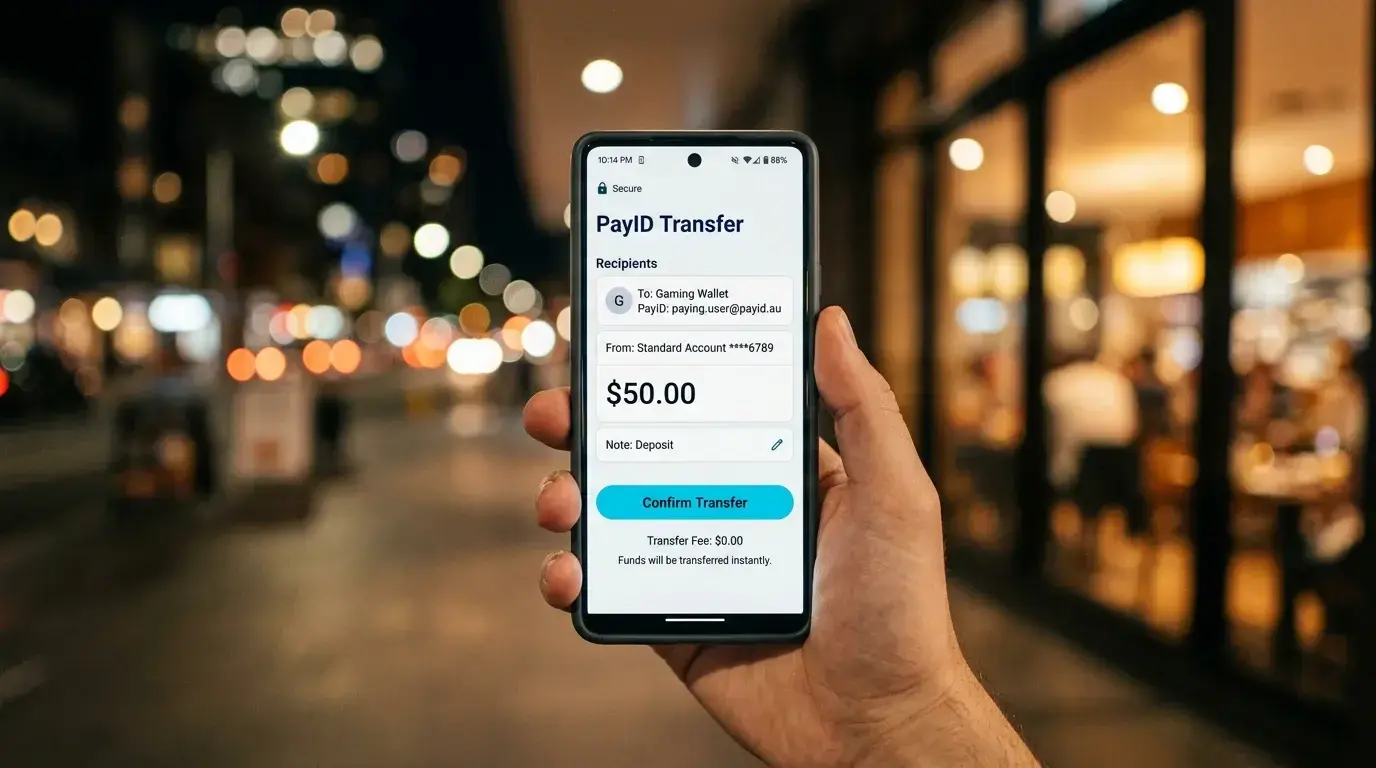


I still remember the first time a player messaged me, frustrated, after spending forty minutes trying to deposit at an online casino using a standard bank transfer. The money sat in limbo for two business days. By the time it landed, the live dealer tournament he wanted to enter had closed. That was 2019. Today, with more than 27 million PayID registrations across Australia, the entire process from tapping “deposit” to seeing funds in a casino balance takes under a minute — and I have walked hundreds of players through it.
If you are reading this, you probably already know that PayID is the fastest way to move Australian dollars into an online casino account. What you might not know is exactly how to use PayID at an online casino from start to finish — the bank-specific quirks, the confirmation screens that trip people up, and the deposit thresholds that nobody bothers to explain clearly. That is what this guide covers.
PayID sits on top of the New Payments Platform, a real-time clearing infrastructure that processes over 155 million transactions every month. It replaces the old BSB-and-account-number model with a simple identifier — your phone number, email address, or ABN — so you never have to hand over raw banking details to an operator. For casino deposits specifically, that means near-instant settlement, zero fees on the PayID side, and a confirmation screen that shows you exactly who you are paying before the money moves. Around a third of Australian adults already use PayID for personal transfers, and the crossover into iGaming has been rapid.
Below, I will walk you through every step: setting up PayID at each of the Big Four banks, making your first deposit, understanding the fee structure, and troubleshooting the most common issues I see in the field. No fluff, no operator rankings — just the mechanical knowledge you need to move money confidently.
Setting Up Your PayID: A Bank-by-Bank Walkthrough
A colleague of mine once described PayID registration as “the easiest thing nobody reads the instructions for.” He was right. The setup takes about ninety seconds in any major banking app, yet I still field questions about it every week — mostly because each bank buries the option in a slightly different menu. More than 110 banks and credit unions now support the NPP system, but since the vast majority of casino players bank with the Big Four, that is where I will focus.
Before you open your banking app, decide which identifier you want to register. You have three options: mobile phone number, email address, or Australian Business Number. For personal casino deposits, phone number is the most common choice because it is short and easy to type into a casino’s payment form. Email works just as well. ABN is reserved for business accounts and irrelevant for individual players. One identifier can only be linked to one bank account at a time, but you can register multiple identifiers across different accounts — your phone number with one bank, your email with another.
Commonwealth Bank
Open the CommBank app and tap on your transaction account. Select “Manage” from the bottom menu, then “PayID.” Tap “Create PayID” and choose either your mobile number or email. The app will send a verification code — enter it, confirm the display name you want recipients to see, and you are done. The whole process takes under two minutes. CommBank’s app labels the feature clearly, which is why I recommend CBA customers as the benchmark for how smooth registration should feel.
NAB
In the NAB app, go to “More” in the bottom navigation, then “Manage PayID.” Select “Register” and pick your identifier. NAB sends a one-time code via SMS or email for verification. Confirm your display name — this is the name that will appear on the confirmation screen when someone sends you money, and it is also the name a casino will see when you deposit. NAB’s interface is straightforward, though the “More” menu can feel cluttered on older devices.
ANZ
ANZ tucks PayID under “Settings” rather than account management. Open the ANZ app, tap the gear icon, scroll to “PayID,” and select “Register.” Choose your identifier, verify through the code ANZ sends, and confirm. One ANZ-specific detail worth noting: the app occasionally asks you to re-verify your PayID if you have not used it in several months. If your casino deposit fails unexpectedly, check that your PayID is still active in the ANZ settings before contacting support.
Westpac
Westpac places PayID registration under “Payments” in the main menu. Tap “Manage PayID,” then “Register new PayID.” Select your identifier, complete verification, and set your display name. Westpac’s flow is nearly identical to CBA’s, and in my experience the two rarely cause issues for casino players.
Anna Bligh, then CEO of the Australian Banking Association, put the growth into perspective when she noted that PayID’s share of all payments jumped from 12 per cent at the start of 2021 to nearly 20 per cent by late 2022. That trajectory has only steepened since, and the registration process across all four banks has been refined with each app update. If you bank with a smaller institution — a credit union like Greater Bank, or a neobank like Up — the steps are similar: look for “PayID” or “Manage PayID” in your account settings, register an identifier, and verify.
One practical tip I give everyone: use your email address as the PayID for casino transactions. Your phone number is more personal and more likely to change if you switch carriers. An email address is stable, easy to type into a deposit form, and keeps your mobile number out of the operator’s system.
Making Your First PayID Deposit at an Online Casino
The first deposit is always the one that makes people nervous. I have been on both sides of support tickets — helping operators integrate PayID and helping players navigate it — and the single biggest source of confusion is that the casino does not actually pull money from your account. You push it. That distinction changes the entire mental model.
Here is what the process looks like, step by step.
Log in to your casino account and navigate to the cashier or banking section. Select PayID (sometimes labelled “Instant Bank Transfer” or “NPP Transfer”) as your deposit method. The casino will display its own PayID — typically an email address or phone number registered to the operator’s receiving account — along with a unique reference number. This reference is critical. It tells the casino which player account to credit, and if you forget to include it, your deposit can sit in an unallocated pool until a human matches it manually.
Open your banking app. Start a new payment and select “Pay to PayID” (or “Pay Anyone” with PayID, depending on your bank). Enter the casino’s PayID exactly as displayed. Before you confirm, your bank will show a confirmation screen with the registered name attached to that PayID. This is where PayID earns its reputation — you can see precisely who you are sending money to before a single cent moves. If the name on the confirmation screen does not match the casino operator you expect, stop. Do not proceed. That mismatch is your first and best defence against sending money to the wrong entity.
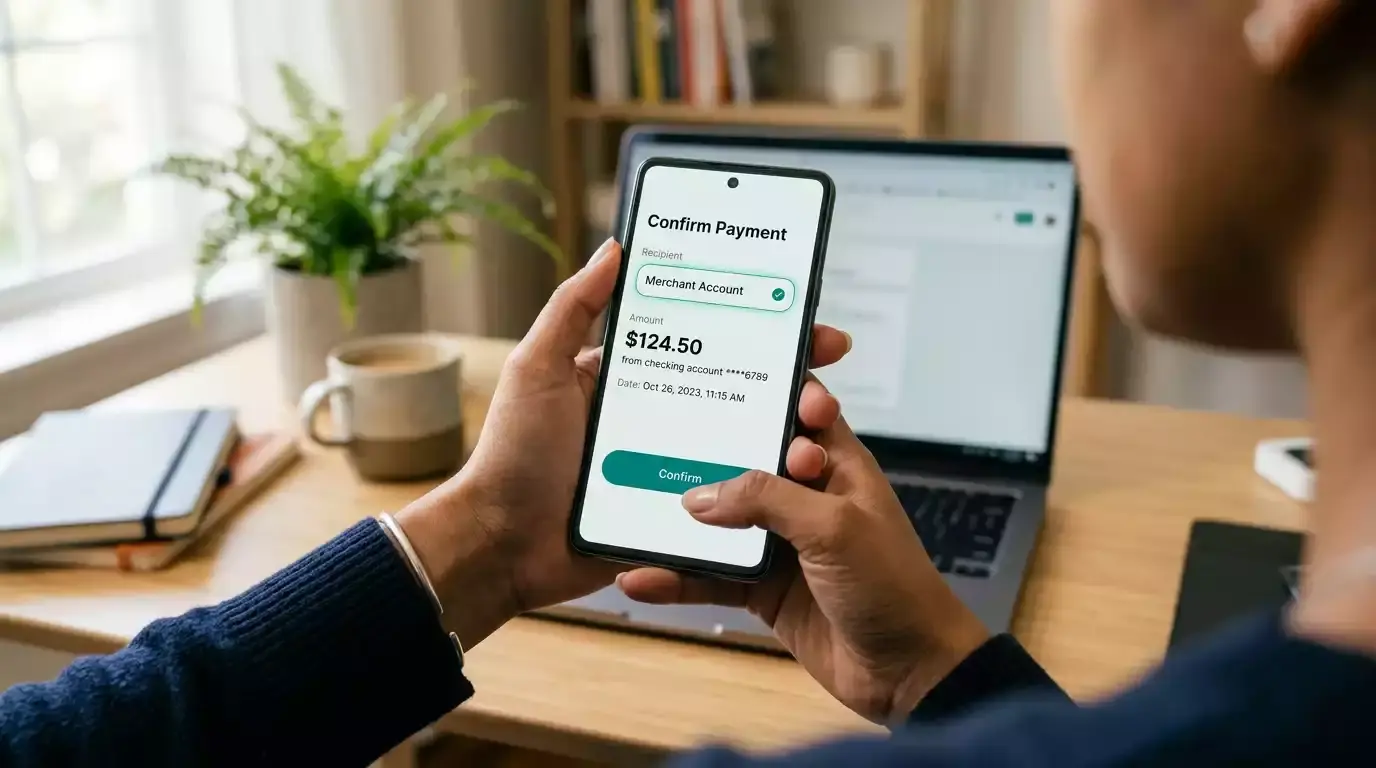
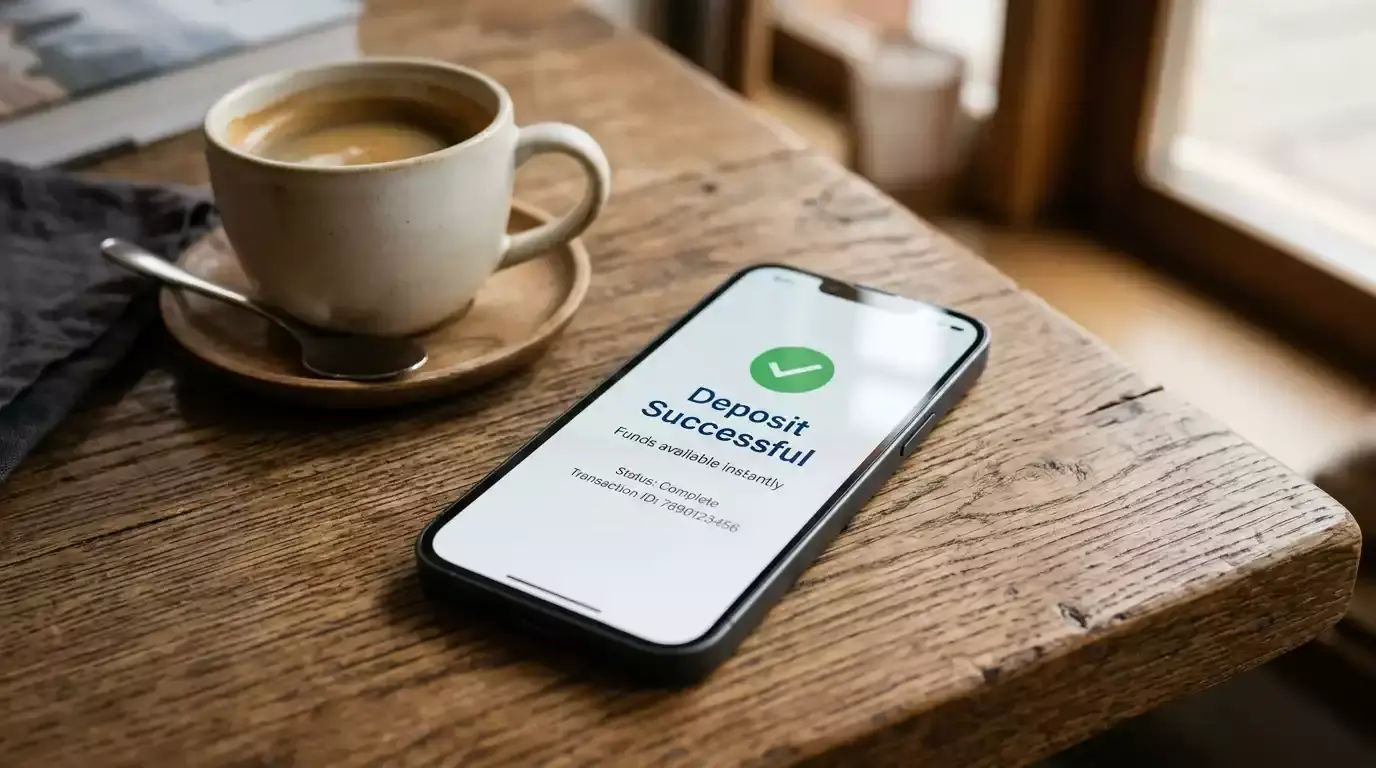
Enter the deposit amount, paste the reference number into the description or reference field, and confirm. The money leaves your account in real time. On the NPP side, settlement happens within seconds. The casino’s system then needs to match your incoming payment to your player account using that reference number, which typically takes anywhere from ten seconds to a few minutes depending on how automated the operator’s reconciliation process is.
By 2023, roughly 20 per cent of all Australian payments were flowing through PayID, with 15 million registrations at the time — a number that has since climbed past 27 million. The infrastructure is mature, reliable, and built for volume. Your first casino deposit is riding the same rails that process salary payments, rent transfers, and marketplace purchases across the country every day.
A few things to double-check before you hit confirm. Make sure the account you are sending from matches the name on your casino account. Operators run Know Your Customer checks, and a name mismatch between your bank account and your casino profile will flag the transaction for manual review — or outright rejection. If you have a joint bank account, the PayID display name might show both account holders. That can cause KYC complications, so I generally advise using a sole-holder account for casino deposits.
Also worth noting: some operators display their PayID alongside a QR code that you can scan directly from your banking app. This bypasses manual entry entirely and eliminates typos as a failure point. If the option is there, use it. I have seen fewer deposit issues from players who scan codes compared to those who type identifiers manually.
The entire flow, from opening the cashier to seeing funds in your casino balance, should take under two minutes. If it takes longer than ten, something has gone wrong with the reference matching, and you should contact the operator’s support team with your transaction receipt from your banking app.
Minimum Deposits and Fee Structure
Every week someone asks me, “What is the real cost of depositing with PayID?” The answer, on the PayID side, is zero. The NPP does not charge consumers for sending payments. Your bank does not add a surcharge for using PayID. There is no per-transaction fee, no percentage cut, no monthly subscription. It is built into the banking infrastructure you already pay for through your account-keeping fees — if your account even has them.
The casino side is a different story, though the news is mostly good. The overwhelming majority of operators that accept PayID impose no deposit fee either. They absorb the cost of payment processing as part of their business model, just as they do with debit card deposits. Occasionally, a smaller offshore operator will tack on a flat processing fee — usually A$1 to A$3 — but this is rare and should be disclosed on the cashier page before you confirm the transaction. If a casino charges a deposit fee without clearly displaying it upfront, treat that as a red flag about the operator’s transparency more broadly.
Minimum deposits vary by operator, but the range is narrow. Most PayID casinos set the floor at A$10 or A$20. A$10 is the more common threshold, and it is low enough to test an unfamiliar operator without meaningful risk. A few sites push the minimum to A$30 or even A$50, typically because their reconciliation systems are not optimised for high-volume small transactions. If low-stakes play matters to you, filter for operators with a $10 minimum deposit before committing to a registration.
Maximum deposits are set by two parties independently. Your bank imposes a daily transfer limit — CBA defaults to A$2,000 per day for PayID transfers, though you can request an increase through the app. NAB, ANZ, and Westpac have similar default ceilings in the A$1,000 to A$5,000 range, adjustable via settings or a phone call to your bank. The casino itself may also cap individual deposits, often at A$5,000 or A$10,000, though VIP-tier players sometimes negotiate higher thresholds directly with the operator.
One nuance that catches people off guard: because PayID deposits are push payments initiated from your banking app, the casino cannot control or override your bank’s transfer limit. If your bank caps you at A$2,000 and the casino allows A$10,000, you are still limited to A$2,000 per transaction. You can make multiple transactions to reach the casino’s cap, but each one counts against your bank’s daily limit.
The fee-free nature of PayID is one of its strongest advantages over alternatives. Debit card deposits sometimes incur a 1.5 to 2.5 per cent processing fee depending on the operator. E-wallets like Neteller or Skrill often charge both a deposit fee and a currency conversion margin. Crypto transactions carry network gas fees that fluctuate wildly. PayID sidesteps all of that — zero in, zero out, every time.

Common Deposit Issues and How to Resolve Them
I keep a running list of PayID deposit failures that land in my inbox. After eight years, the list is long — but the same five issues account for about 90 per cent of cases. If your deposit did not go through, start here before contacting support.
Wrong or missing reference number
This is the single most common problem. You sent the money successfully — it left your account, it arrived at the casino’s PayID — but it was not credited to your player balance because the reference field was blank, truncated, or incorrect. Most banking apps limit the reference field to 18 characters, and some casino reference numbers are longer than that. If the reference gets cut off, the casino’s automated reconciliation system cannot match the payment. Resolution: contact the casino’s support team with your bank transaction receipt showing the date, amount, and time stamp. They will match it manually, usually within a few hours.

Name mismatch
Your PayID display name says “David M. Chen” but your casino account is registered as “David Chen.” Or your PayID is linked to a joint account displaying “David and Sarah Chen.” The operator’s KYC system flags the discrepancy and holds the deposit for manual review. Resolution: ensure your PayID display name matches your casino account name exactly. If you are using a joint account, consider registering a PayID on a sole-holder account instead. You can update your PayID display name in your banking app at any time — it takes effect immediately.

Bank-side transfer limit hit
You tried to deposit A$3,000 but your bank’s daily PayID limit is A$2,000. The transaction simply fails, and your banking app displays a generic error message that rarely explains the actual cause. Resolution: check your daily transfer limit in your banking app’s settings. Most banks allow you to increase it temporarily or permanently through the app or by calling their support line. Some banks require a 24-hour cooling period after increasing the limit before it takes effect.
Casino’s PayID is inactive or changed
Operators occasionally rotate their receiving PayIDs, especially offshore sites that cycle through multiple banking relationships. You enter the PayID from a bookmark or a previous deposit, but it is no longer active. Your banking app either shows an error or resolves to an unexpected name on the confirmation screen. Resolution: always copy the PayID fresh from the casino’s cashier page for each deposit. Never rely on saved details from a previous session. If the confirmation screen shows a name you do not recognise, do not proceed.
Delayed crediting during high-traffic periods
Your money left your account instantly, the reference was correct, but the casino balance has not updated after five minutes. This happens during peak traffic — Friday and Saturday evenings, major sporting events, promotional launches — when the operator’s payment processing queue is backed up. The NPP delivered your funds in real time, but the casino’s internal system is slow to reconcile. Resolution: wait fifteen to twenty minutes before escalating. If the balance still has not updated, contact support with your receipt. In my experience, genuine processing delays almost always resolve within thirty minutes.
One preventive measure I recommend to everyone: take a screenshot of the casino’s PayID details and the confirmation screen in your banking app before you hit send. If anything goes wrong, that screenshot gives you — and the support team — an immediate paper trail. It takes three seconds and saves hours of back-and-forth.