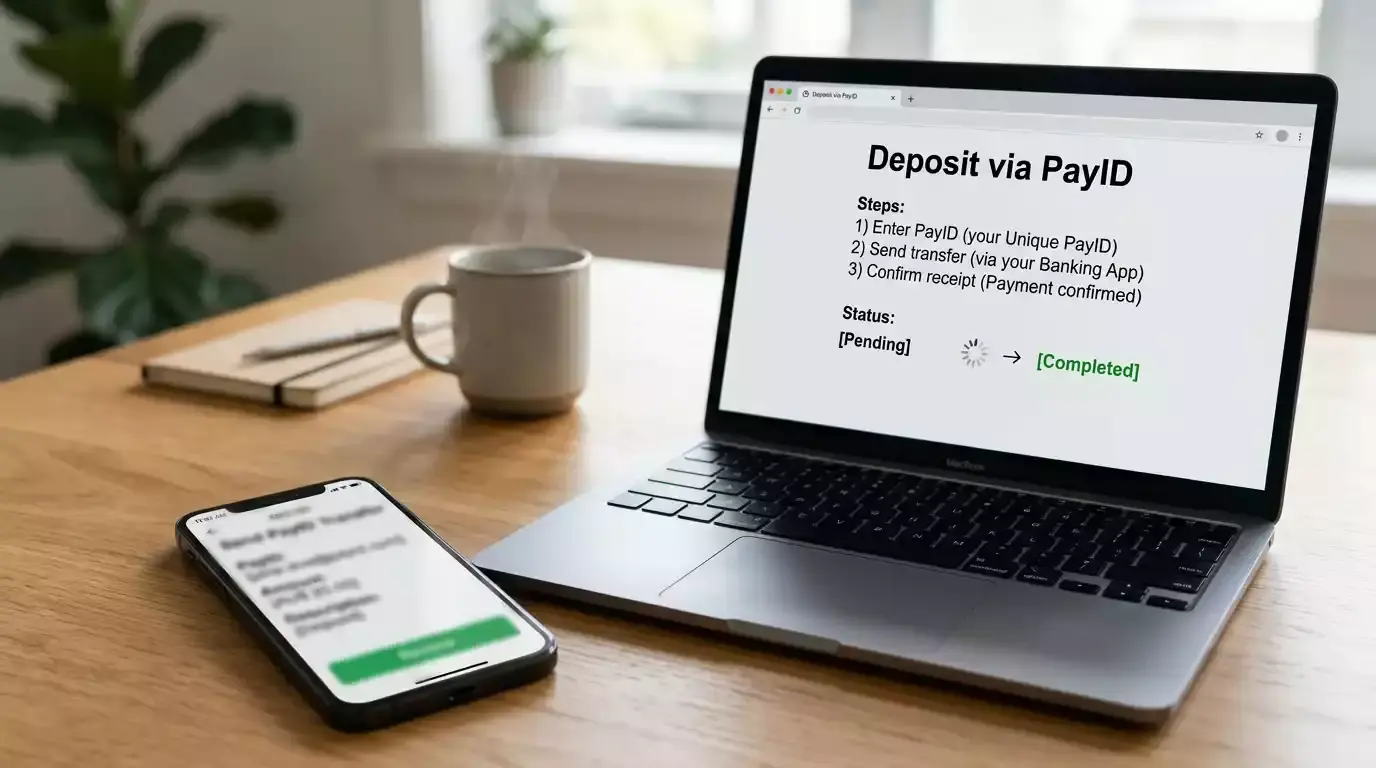


One in four PayID users has stopped or edited a payment after seeing the confirmation screen, according to an NPP Australia survey of 2,500 consumers and businesses. That confirmation screen — the moment where your banking app shows you exactly who will receive your money — is the same feature that makes PayID deposits at casinos more transparent than card payments. If you bank with NAB, this guide covers the setup process, the bank’s transfer limits, and its position on gambling-related transactions.
Registering PayID Through the NAB App
In the NAB app, tap “More” in the bottom navigation, then select “Manage PayID.” Choose “Register” and pick your identifier — mobile phone number or email address. NAB sends a one-time verification code via SMS or email. Enter it, confirm your display name, and your PayID is active. The entire process takes under two minutes.

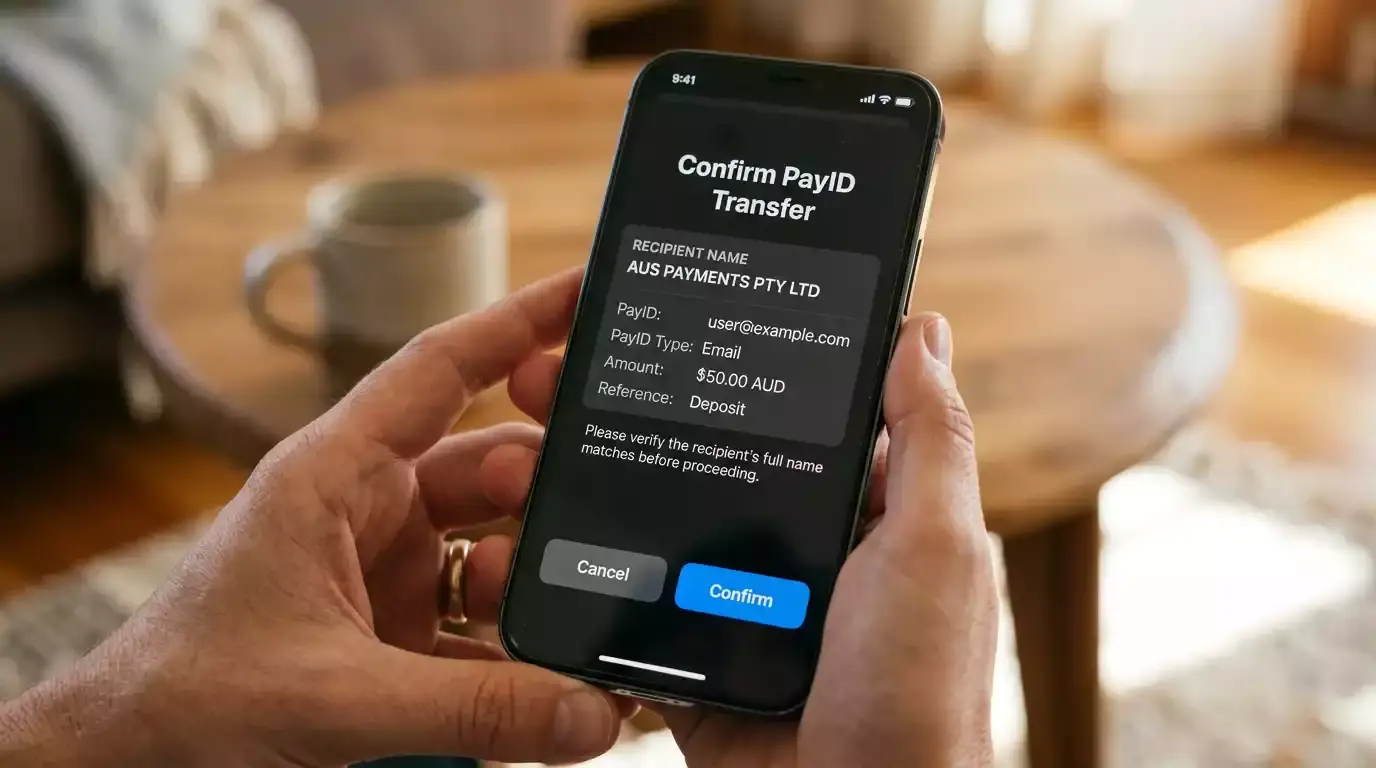
PayID-specific scam losses reached at least AU$260,000 in reported cases during 2023. NAB has been vocal about scam prevention, and the bank’s PayID interface includes prominent warnings about verifying recipient names before confirming payments. When you deposit at a casino, the confirmation screen shows the operator’s registered business name. Read it carefully — scammers sometimes register names that closely resemble legitimate operators.
NAB’s app labels the PayID feature under the “More” menu, which can feel cluttered on older devices. If you cannot find it, use the app’s search function and type “PayID” — the registration option should appear directly. Once registered, your PayID appears in the “Manage PayID” section where you can update the display name or deregister the identifier.
For a comparison of how NAB’s setup compares to other institutions, the CommBank PayID guide covers CBA’s implementation side by side.
NAB’s Approach to Online Gambling Payments
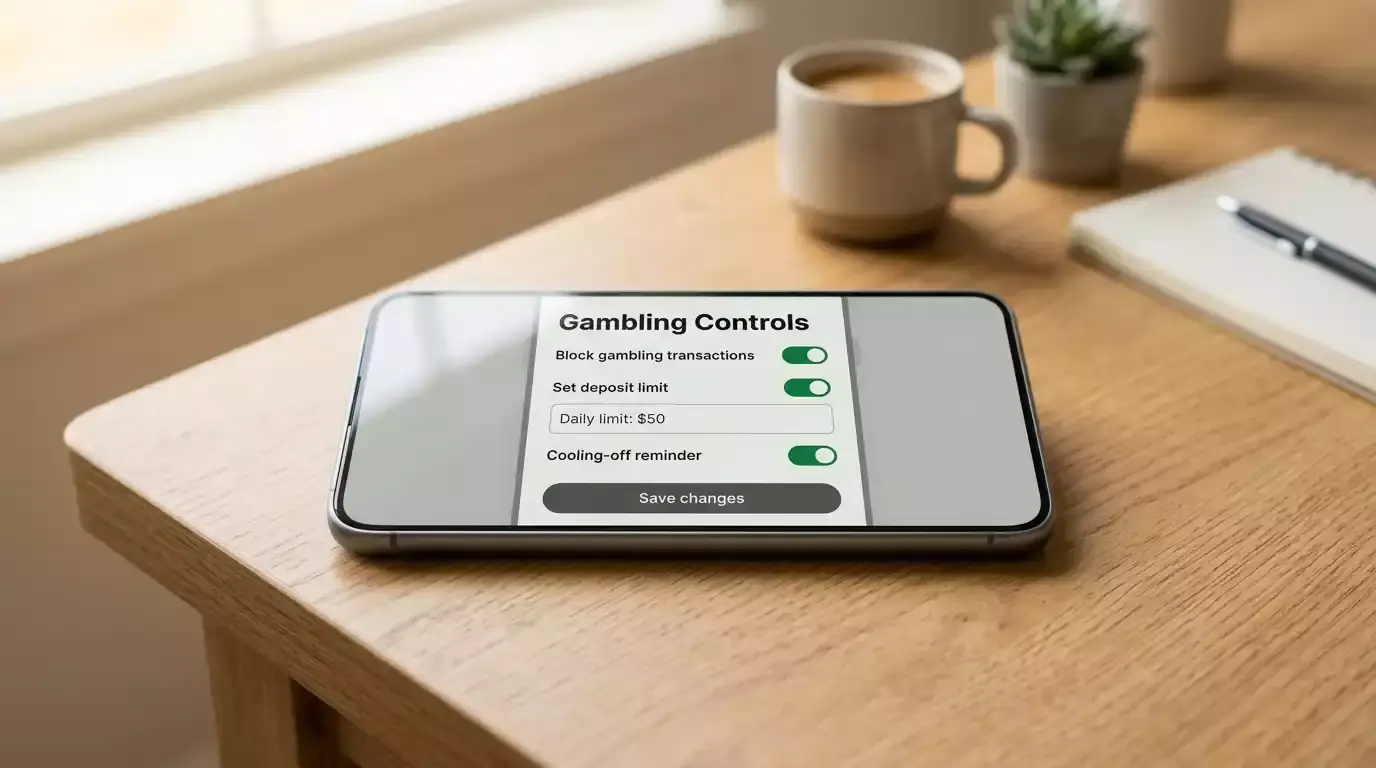
NAB processes PayID transfers to gambling operators and has not implemented a blanket block on gambling transactions. However, the bank has introduced optional gambling controls that customers can enable through the app. These controls can restrict transactions to merchants categorised as gambling-related, providing a self-managed barrier for players who want to limit their exposure.
Daily transfer limits at NAB vary by account type. Standard accounts have a default PayID limit that can be viewed and adjusted in the app. For security reasons, limit increases may require a waiting period before taking effect. Check your current limit before attempting a large casino deposit — a declined transaction at the bank level can sometimes trigger a temporary flag on your account that delays subsequent transfer attempts.
NAB’s transaction reporting categorises gambling payments in your account history, providing visibility into gambling expenditure alongside your regular spending. This categorisation happens automatically and supports the kind of spending awareness that responsible gambling frameworks recommend. You can review your gambling transaction total in the app’s spending insights section without needing to manually track each deposit.
One area where NAB differs from some other Big Four banks is its fraud detection sensitivity. NAB’s systems monitor unusual transaction patterns, and a sudden series of large PayID transfers to an unfamiliar gambling operator can trigger a temporary hold. If this happens, NAB’s fraud team may contact you to verify the transactions. This is a protective measure, not a block — once verified, the transactions proceed normally.